Step Counter App
A step counter app helps you record daily steps and understand your walking activity. Learn how step counting works, what affects accuracy and how ACTIVITY App connects everyday steps with personal goals, fitness challenges and meaningful causes.
What Is a Step Counter App?
A step counter app is a mobile application that estimates the number of steps a person takes throughout the day.
Also called a pedometer app or steps tracking app, it uses supported smartphone sensors or wearable data to identify walking movement and display step totals.
Some applications provide additional features such as daily targets, activity history, walking distance and step-based challenges.
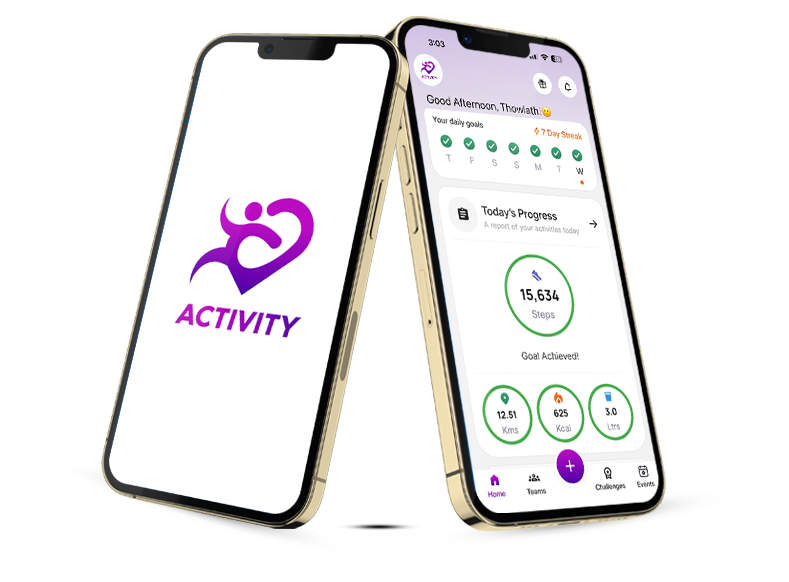
ACTIVITY App combines step counting with distance records, estimated calories burned, personal goals and community participation.
This makes it relevant to people who want to understand daily steps while exploring additional ways to stay engaged with movement.
How Does a Step Counter App Work?
Most smartphone step counters use motion-related information to recognise walking movements.
Smartphones commonly include an accelerometer, which detects changes in acceleration as a person moves.
Software analyses these movement patterns to identify likely steps.
Step counting generally involves three stages:
Movement detection
Sensors identify movement associated with walking or running.
Step recognition
Software estimates which movements represent steps.
Step recording
Detected steps are added to the daily total.
Some applications use step information provided by the smartphone's operating system or a compatible health data platform.
ACTIVITY App supports step tracking through compatible phone or device data. The exact step data source and permissions may depend on the smartphone, operating system and current app version.
What Can You Track With a Daily Steps Tracker?
A daily steps tracker can provide more information than a single step total.
| Step tracking feature | Purpose |
|---|---|
| Daily step count | Records steps detected during the day |
| Walking distance | Estimates distance covered through movement |
| Daily goals | Helps users follow a personal activity target |
| Activity history | Provides a record of previous activity |
| Progress milestones | Makes selected achievements visible |
| Step challenges | Connects eligible steps to challenge goals |
| Team activity | Allows shared participation where supported |
Not every application provides all these features.
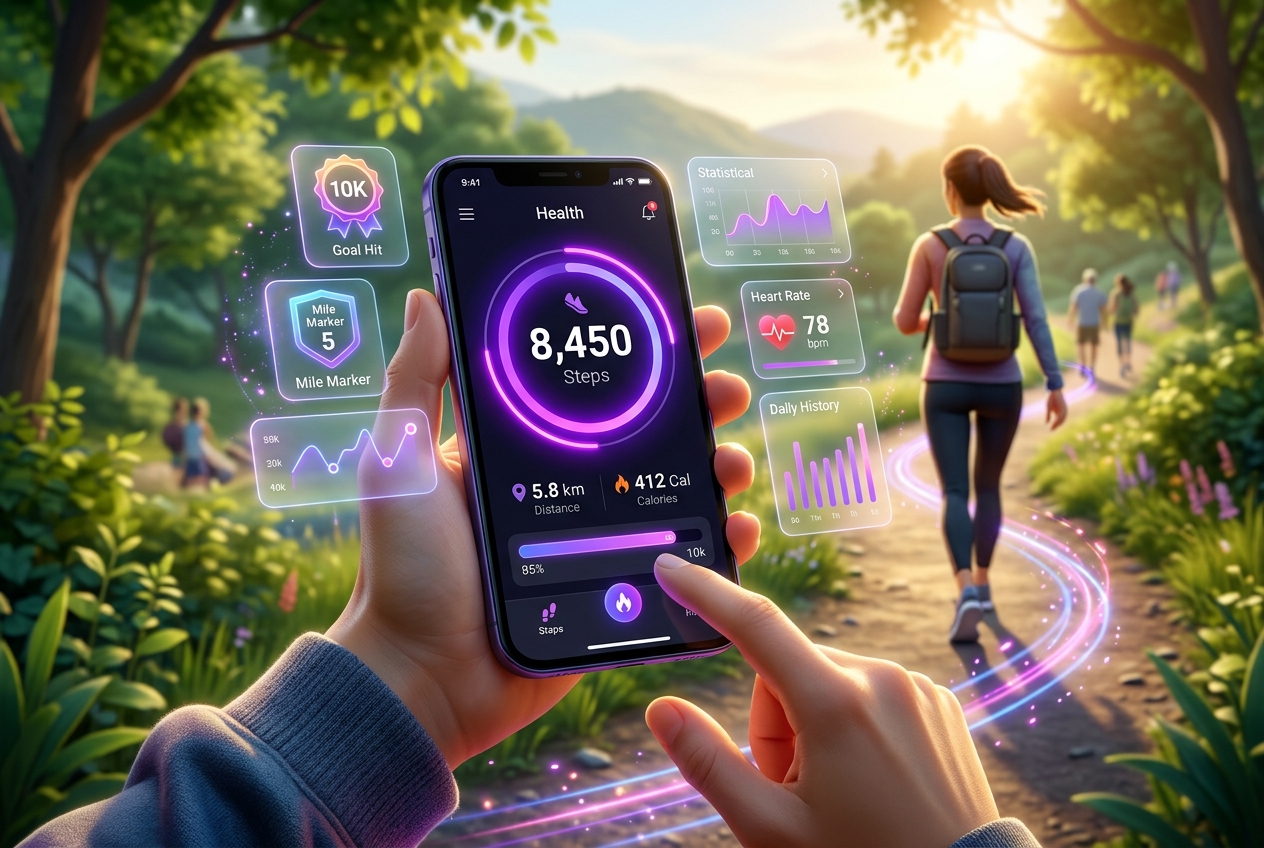
ACTIVITY App combines daily step records with distance, estimated calories burned, personal goals and participation-focused features.
Its challenges and Teams give users additional ways to interact with recorded step information.
How Accurate Are Step Counter Apps?
Step counter apps provide useful estimates, but their measurements can vary.
The accuracy of a step counter depends on the device's sensors, movement recognition software and how the phone is carried.
For example, walking with a phone in a pocket may produce different readings from carrying it loosely in a bag.
Some devices may also have difficulty identifying very slow or irregular walking movements.
Common factors affecting step counts
Phone position: Different carrying positions can influence motion detection.
Walking speed: Very slow walking may be more difficult for some devices to recognise.
Background restrictions: Battery-saving settings may limit app activity.
Device differences: Sensor technology and algorithms vary between smartphones.
Missing movement: Steps taken while the phone is left behind may not be recorded.
ACTIVITY App's step measurements should also be understood as activity estimates rather than exact counts. For everyday tracking, comparing records under reasonably consistent conditions is often more useful than expecting every step to be counted perfectly.
How to Use ACTIVITY App as a Daily Step Counter
ACTIVITY App provides a way to connect step tracking with everyday activity goals.
Users can begin by installing the app, setting up their profile and allowing the required activity permissions.
The basic process involves:
Set up your profile
Create an account and provide the profile information requested by the app.
Allow activity tracking
Enable the supported permissions required to record or access step information.
Review daily steps
Use the available activity information to understand the steps recorded during the day.
Follow personal goals
Review progress towards the activity goals provided through the platform.
Explore additional participation
Users interested in shared activities can join supported challenges or participate through Teams.
How to Understand Your Daily Step Count
A daily step total shows the approximate number of walking or running steps detected by a device during a particular day.
| Review factor | What to consider | Purpose |
|---|---|---|
| Daily changes | How frequently your totals change | Recognise variation |
| Normal routine | Whether regular movement is included | Understand consistency |
| Workdays | How weekdays differ from weekends | Compare schedules |
| Recorded changes | Whether totals reflect activity changes | Measure trends |
| Device consistency | How consistently you carry the tracker | Improve comparisons |
Can a Step Counter App Help You Set Daily Step Goals?
A daily step goal gives users a measurable reference for their walking activity.
Rather than adopting the same target as someone else, it can be more useful to begin with an understanding of your current movement.
For example, someone who normally records approximately 4,000 steps may decide to introduce an additional short walk.
The goal can then be reviewed as the routine becomes more comfortable.
A daily steps tracker makes it easier to observe whether recorded movement is changing.
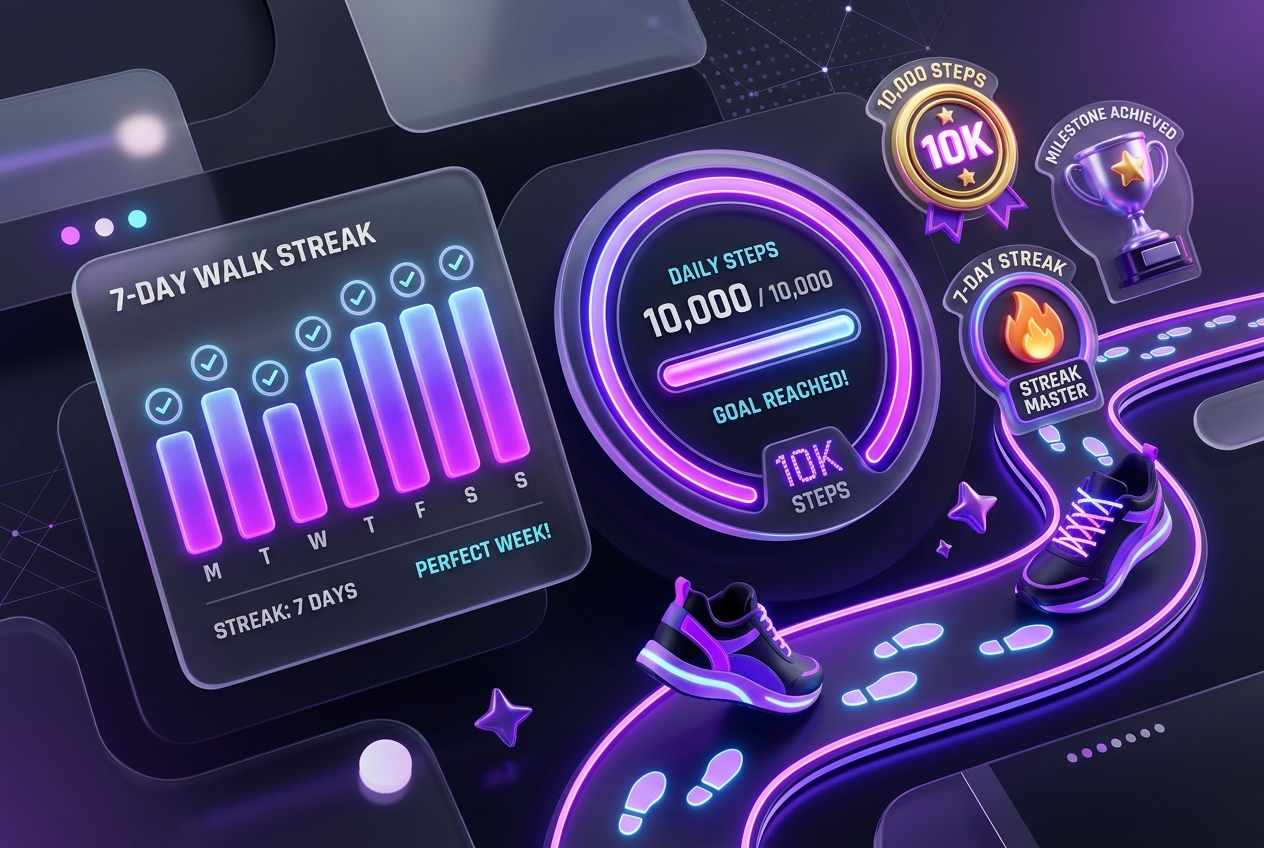
ACTIVITY App includes personal activity goals and streak features that connect step-related records with ongoing participation.
What Are Step Challenges and How Do They Work?
Step challenges are structured activities that ask participants to complete a defined number of eligible steps or activity goals within a particular period.
They may involve individual targets, group participation or friendly competitions.
For example, a challenge might ask participants to reach a daily step target over a selected number of days.
A steps tracking app with challenge functionality can help record progress towards the target.
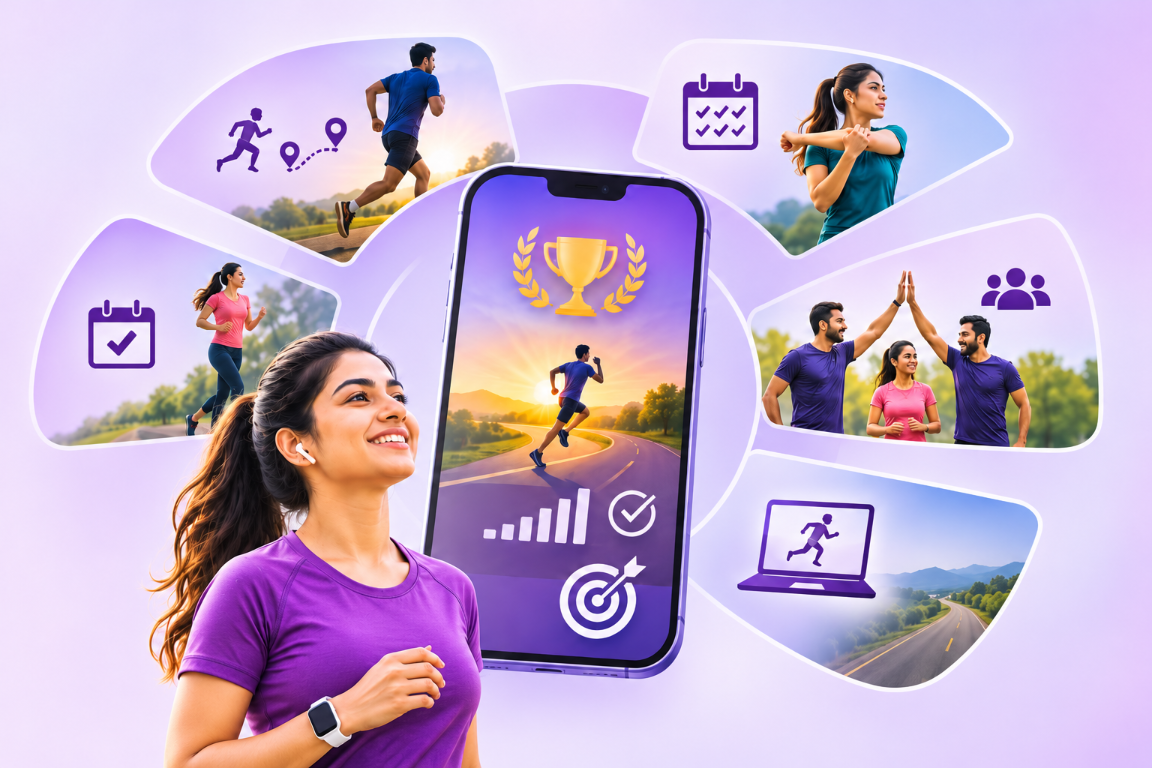
ACTIVITY App offers step-based challenges alongside daily, distance and consistency-oriented participation.
Users can view available challenges, follow qualifying progress and review leaderboards where supported.
Can You Track Steps With Friends and Family?
Step tracking can also be a shared activity.
Friends, families and colleagues may choose to compare their movement, participate in group activities or work towards collective targets.
Team-based step tracking allows participants to follow progress while remaining active according to their own schedules.
ACTIVITY App includes Teams, allowing users to create groups, view member activity and follow leaderboards.
For example, friends living in different locations could participate in a shared step challenge without walking together physically.
Can Your Daily Steps Support a Social Cause?
Some step tracking applications connect everyday movement with charitable programmes.
Instead of using steps only as a personal activity measurement, eligible movement can become part of organised social-impact initiatives.
ACTIVITY App includes a step-donation feature that connects qualifying activity with causes supported through sponsor contributions.
Users can explore participating causes and follow the applicable donation process.
However, recording steps does not necessarily create an automatic monetary donation.
The amount contributed depends on the programme's requirements, eligible activity and sponsor arrangements.
This feature provides an additional way for users who are interested in charitable participation to engage with their recorded activity.

Does a Step Counter App Work Without Internet or GPS?
Step counting itself does not necessarily require internet access or GPS.
Many smartphones can detect steps through built-in motion sensors without continuously connecting to the internet.
However, some applications require connectivity for account access, data synchronisation, challenges or community features. GPS is mainly relevant to location-based activity recording rather than basic step detection.
Why Is My Step Counter Not Recording Steps?
A step counter may occasionally display fewer steps than expected or stop updating.
Common reasons include:
Activity permissions disabled: The app may not have access to the required motion information.
Battery restrictions: The operating system may limit background processing.
Phone not carried: Movement cannot be detected through a phone that has been left behind.
Synchronisation delays: Steps may appear after the application updates its data.
Device compatibility: Certain tracking functions may depend on supported hardware or system services.
If ACTIVITY App is not displaying expected step records, review the relevant permissions, device settings and current tracking requirements.
Avoid repeatedly reinstalling the application without first checking whether the issue relates to device access or synchronisation.
How to Choose a Step Counter App in India
A suitable step counter app should provide clear activity records and work reliably on your smartphone.
When comparing available applications, consider:
- Daily step visibility: Can you easily check the current total?
- Device compatibility: Does the app support your Android or iOS device?
- Activity goals: Can you work towards meaningful step targets?
- Progress records: Are previous activity totals accessible?
- Additional motivation: Are challenges, streaks or community features relevant to you?
- Battery use: Can the app operate without excessive power consumption?
- Data privacy: Are permissions, information sharing and account controls explained?
Common Step Tracking Mistakes
Step counting is most useful when measurements are interpreted realistically.
Expecting exact results
Smartphone step counts can contain measurement errors.
Carrying the phone inconsistently
Different positions may affect recorded movement.
Focusing only on high totals
A larger step number is not automatically appropriate for everyone.
Ignoring missing data
Steps taken without the tracking device may not appear.
Comparing different devices
Smartphones and wearables may produce different totals.
Overlooking individual ability
Step goals should reflect personal circumstances.
Treating streaks as obligations
Missed days are normal and should not encourage overexertion.
Frequently Asked Questions About
Step Counter Apps
Explore ACTIVITY App Videos
Learn smart tracking, interactive challenges and community engagement through quick, motivational video demos.
Join Fun Fitness Challenges
One Simple Action: Walking
Making Walking a Habit
Conclusion
A step counter app makes it easier to record everyday movement, understand step totals and follow personal walking goals.
By recognising how step counting works and understanding its limitations, users can make better use of the information recorded by their devices.
ACTIVITY App combines daily step tracking with goals, challenges, Teams and cause-based participation, offering a way to connect ordinary movement with wider activity experiences.
Explore ACTIVITY App to learn more about its step tracking and community features.